
By The Kit Room Team on 18th Aug 2026
Whether you're checking focus, framing or exposure, monitors are an essential piece of everyday gear. Compared to viewfinders or built-in LCDs, external monitors are especially useful, capable of elevating workflows thanks to their larger displays and numerous tools that make it easier to spot mistakes. They're not always wired or even mounted on cameras, though, so when does a wired setup make sense and when is wireless the better option? Ultimately, it comes down to who needs the picture and how they need to work.
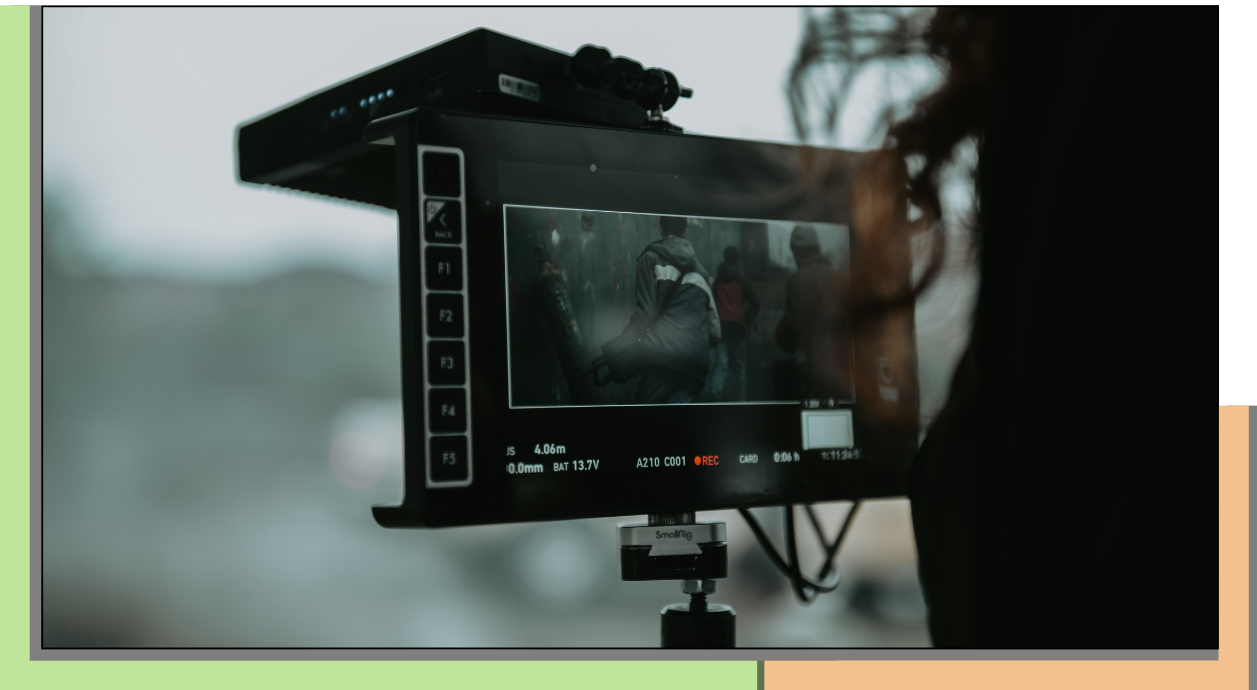
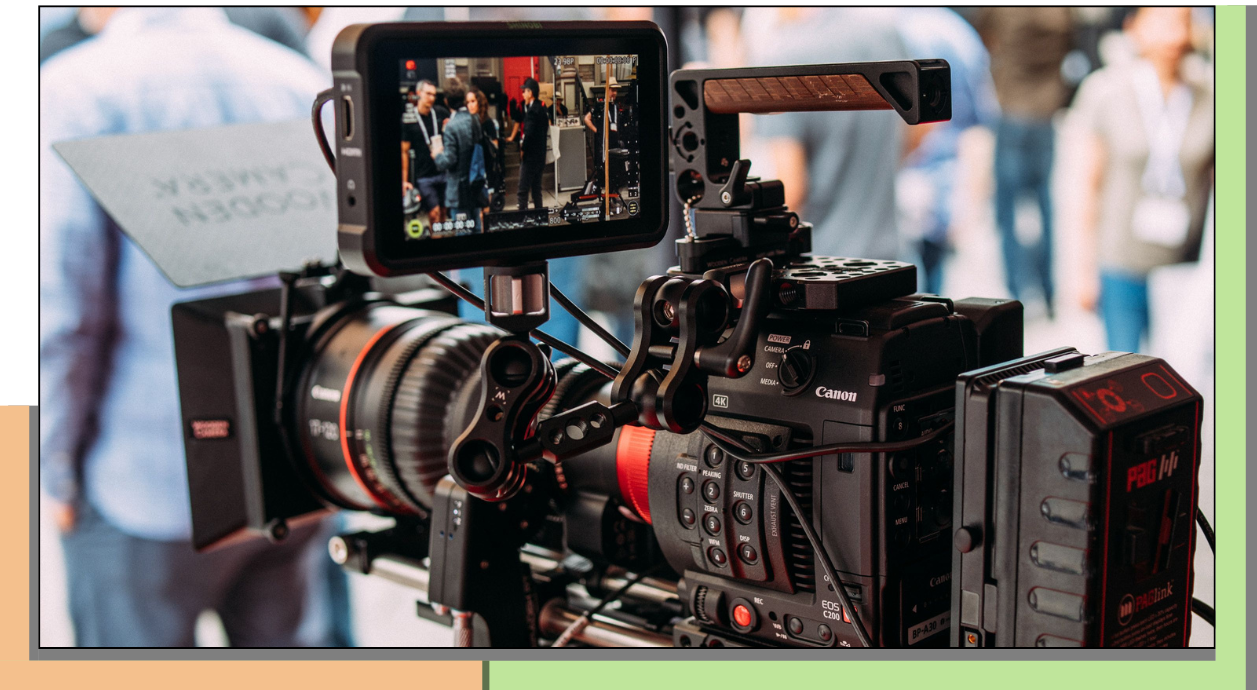
For camera operators and focus pullers, wired monitoring remains the benchmark for simplicity and reliability. A direct SDI or HDMI connection delivers an uncompressed image with effectively zero latency, making it ideal for critical focus pulls and time-sensitive camera moves. With no wireless transmission to manage, setup is typically quick, inexpensive and dependable, whilst fewer powered devices also mean lower battery consumption. The compromise is the cable itself. Splitting signals, running long cables or working around moving cameras can quickly introduce clutter, trip hazards and the risk of accidental disconnections or signal degradation. That's why wired monitors are generally best suited to on-camera or static setups where reliability is the priority. Compact monitors such as our SmallHD 502, Lilliput HT5S and H7S, paired with grip like ball-heads mounts and Noga arms, make this a lightweight, practical solution.
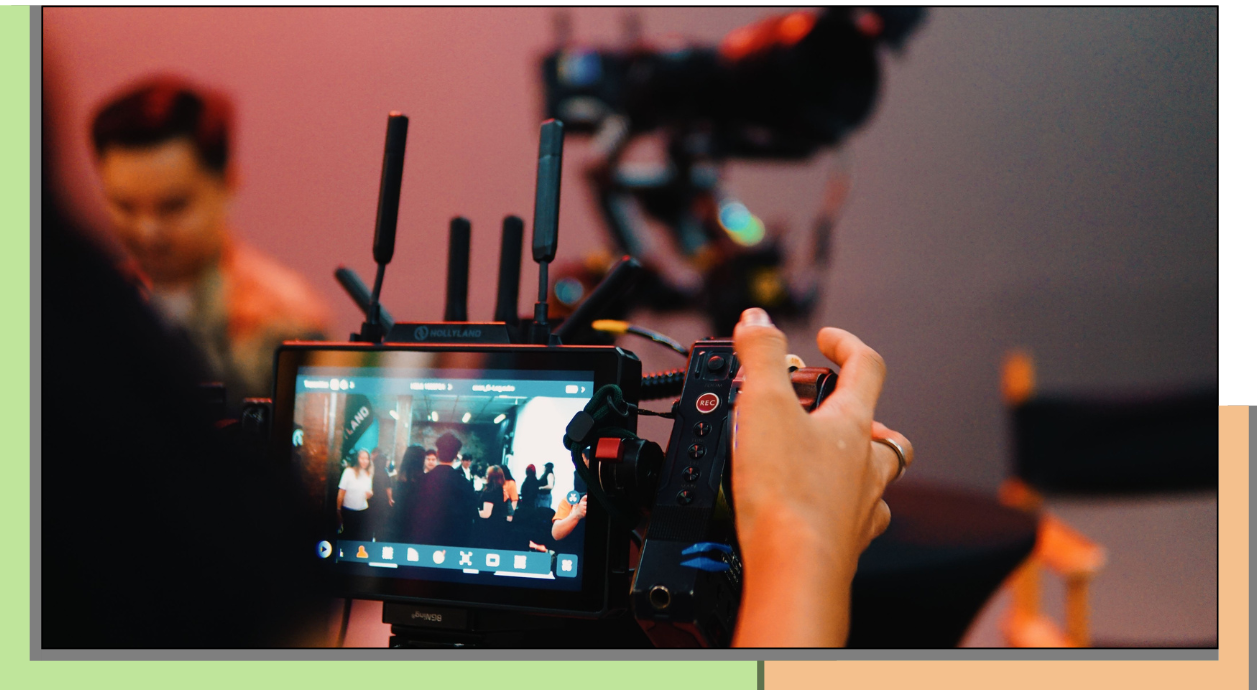
Meanwhile, wireless monitoring is designed for a different workflow. By removing the cable between camera and monitor, wireless systems allow directors, cinematographers, clients and other crew to view the same image from wherever they need to be. Many systems can transmit to multiple receivers simultaneously, whilst features such as loop outputs and SDI/HDMI cross-conversion on selected models make it easier to integrate with different setups. The result is a cleaner, less crowded and more mobile set, one which can easily cope with moving and / or difficult-to-access camera rigs. There are trade-offs, however. Wireless systems are typically more expensive, require additional batteries for transmitters and receivers, and their performance can be affected by obstacles, interference or transmission distance. Some also introduce a small amount of latency, although this becomes far less noticeable with higher-end systems. You'll also want to consider each system's supported resolutions, frame rates and connection types before choosing a kit. Our Hollyland Pyro S and Pyro 7 kits, Vaxis Atom 500 SDI/HDMI and Teradek Bolt Pro 300 / 2000 systems all support slightly different workflows, with a choice of cold shoe mounts, Noga arms and SDI and/or HDMI connectivity.
Ultimately, the right monitoring setup depends on who needs the picture. Camera operators and focus pullers will often benefit from the speed and reliability of a wired monitor, whilst directors, clients and other crew will gain far more from the flexibility of wireless viewing. Many productions combine both, creating an interconnected monitoring workflow that gives every department exactly what it needs.
For camera operators and focus pullers, wired monitoring remains the benchmark for simplicity and reliability. A direct SDI or HDMI connection delivers an uncompressed image with effectively zero latency, making it ideal for critical focus pulls and time-sensitive camera moves. With no wireless transmission to manage, setup is typically quick, inexpensive and dependable, whilst fewer powered devices also mean lower battery consumption. The compromise is the cable itself. Splitting signals, running long cables or working around moving cameras can quickly introduce clutter, trip hazards and the risk of accidental disconnections or signal degradation. That's why wired monitors are generally best suited to on-camera or static setups where reliability is the priority. Compact monitors such as our SmallHD 502, Lilliput HT5S and H7S, paired with grip like ball-heads mounts and Noga arms, make this a lightweight, practical solution.
Meanwhile, wireless monitoring is designed for a different workflow. By removing the cable between camera and monitor, wireless systems allow directors, cinematographers, clients and other crew to view the same image from wherever they need to be. Many systems can transmit to multiple receivers simultaneously, whilst features such as loop outputs and SDI/HDMI cross-conversion on selected models make it easier to integrate with different setups. The result is a cleaner, less crowded and more mobile set, one which can easily cope with moving and / or difficult-to-access camera rigs. There are trade-offs, however. Wireless systems are typically more expensive, require additional batteries for transmitters and receivers, and their performance can be affected by obstacles, interference or transmission distance. Some also introduce a small amount of latency, although this becomes far less noticeable with higher-end systems. You'll also want to consider each system's supported resolutions, frame rates and connection types before choosing a kit. Our Hollyland Pyro S and Pyro 7 kits, Vaxis Atom 500 SDI/HDMI and Teradek Bolt Pro 300 / 2000 systems all support slightly different workflows, with a choice of cold shoe mounts, Noga arms and SDI and/or HDMI connectivity.
Ultimately, the right monitoring setup depends on who needs the picture. Camera operators and focus pullers will often benefit from the speed and reliability of a wired monitor, whilst directors, clients and other crew will gain far more from the flexibility of wireless viewing. Many productions combine both, creating an interconnected monitoring workflow that gives every department exactly what it needs.
Of course, choosing between wired and wireless is only part of the picture. Display size, brightness, resolution, monitoring tools, connection formats and power options all play an equally important role in building the right setup. We'll explore those considerations in our next monitor guide, but if you're planning a shoot in the meantime, our Kit Room team is always happy to help you build a monitoring package that fits the way you work.